![Free eBooks of IT [BooksOfAll]](https://www.booksofall.com/wp-content/uploads/2022/06/booksofall-logo-2.png)
A Case Study on Visual Paradigm’s AI-Powered Flipbook Generator: Transforming Static Documents into Interactive Experiences
Introduction
In the digital age, the way we consume information has shifted dramatically from static text to dynamic, interactive media. While PDFs and traditional e-books have served as the standard for digital documentation for years, they often lack the engagement and visual appeal necessary to capture modern audiences’ attention. For marketers, educators, and corporate communicators, the challenge lies not just in creating content, but in presenting it in a format that is both immersive and easily accessible across devices.
This case study explores the transformation of static documents into engaging 3D flipbooks using Visual Paradigm’s Flipbook Tool. By leveraging one-click conversion technology, responsive HTML5 elements, and recent advancements in AI-driven generation, organizations can enhance user engagement, streamline content distribution, and maintain brand consistency. This analysis details the workflow, key benefits, and strategic advantages of adopting flipbook technology in 2026, demonstrating how tools like Visual Paradigm are redefining digital publication standards.
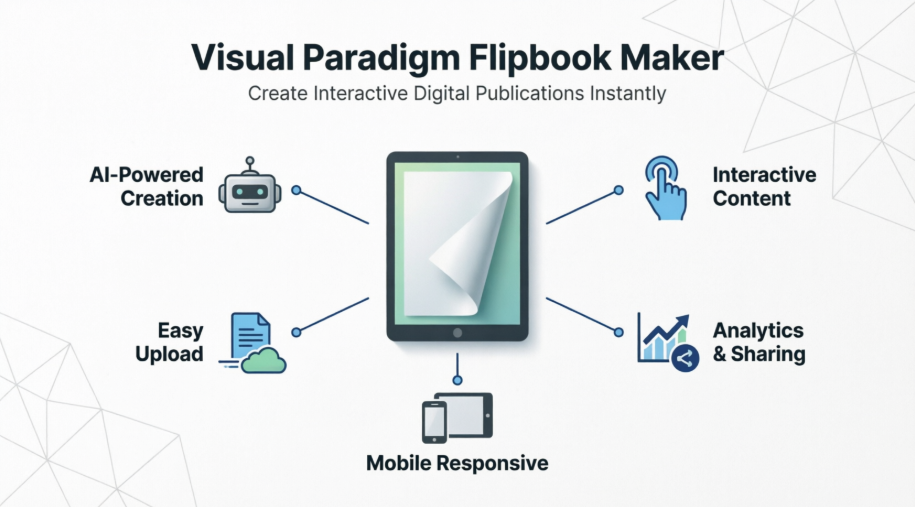
The Challenge: Limitations of Traditional Digital Formats
Despite their ubiquity, traditional formats like TXT, Word, and standard PDFs present several limitations:
-
Low Engagement: Static pages do not encourage interactive exploration, leading to higher drop-off rates.
-
Poor Mobile Experience: Standard PDFs often require zooming and panning on smaller screens, disrupting the reading flow.
-
Limited Branding Opportunities: Traditional documents offer minimal flexibility for custom themes, animations, or integrated multimedia.
-
Distribution Friction: Sharing large files via email or downloads creates barriers to immediate access.
To address these issues, there is a growing need for solutions that combine the reliability of PDFs with the interactivity of web-based media.
The Solution: Visual Paradigm Flipbook Tool
Visual Paradigm offers a comprehensive suite for creating professional e-magazines and flipbooks. Its core value proposition lies in its ability to convert existing PDFs into true HTML5 elements with a single click, ensuring that fonts and images remain crisp at any zoom level.

Key Features and Benefits
-
One-Click Generation & HTML5 Conversion
The tool converts PDFs into HTML5-based flipbooks, ensuring maximum clarity and responsiveness. This means publications load instantly and display perfectly on any device, from desktop monitors to smartphones. -
Online Bookshelves & Organization
Beyond individual books, Visual Paradigm allows users to organize publications into stunning online bookshelves. These shelves can be personalized with custom themes and styles, making it easier for users to browse series, courses, or catalog collections.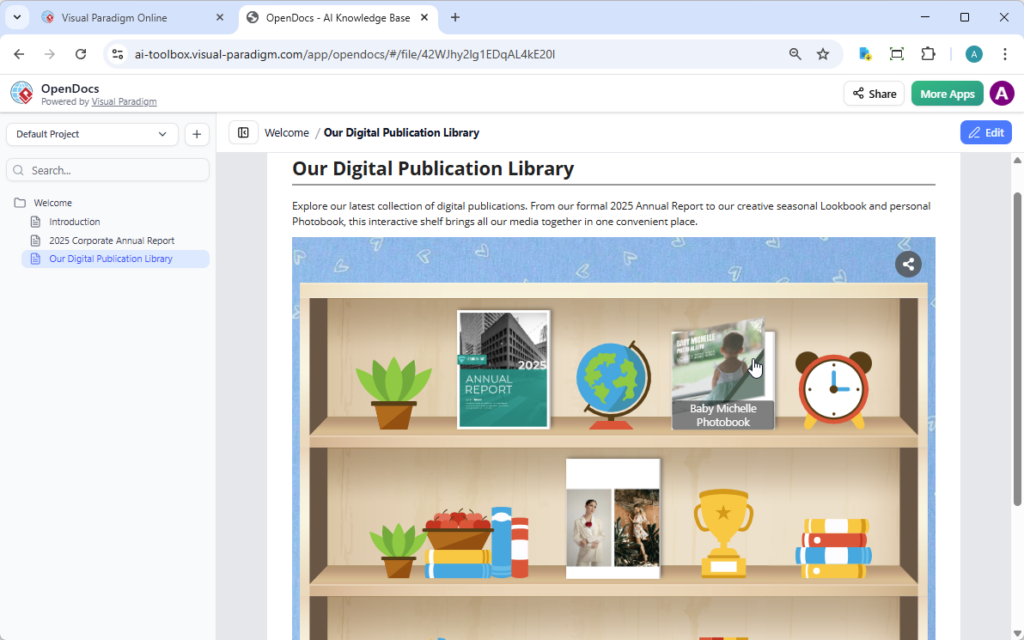
-
Responsive Design
The platform automatically adjusts the size of books and bookshelves based on the viewer’s screen size and browser, ensuring a seamless experience across Chrome, Safari, Firefox, and mobile browsers. -
Integrated Flipbook Editor
For those starting from scratch, the online design tool offers a drag-and-drop interface packed with advanced features. Users can access a library of professionally designed templates, photos, and graphic resources to create unique publications without needing extensive design skills.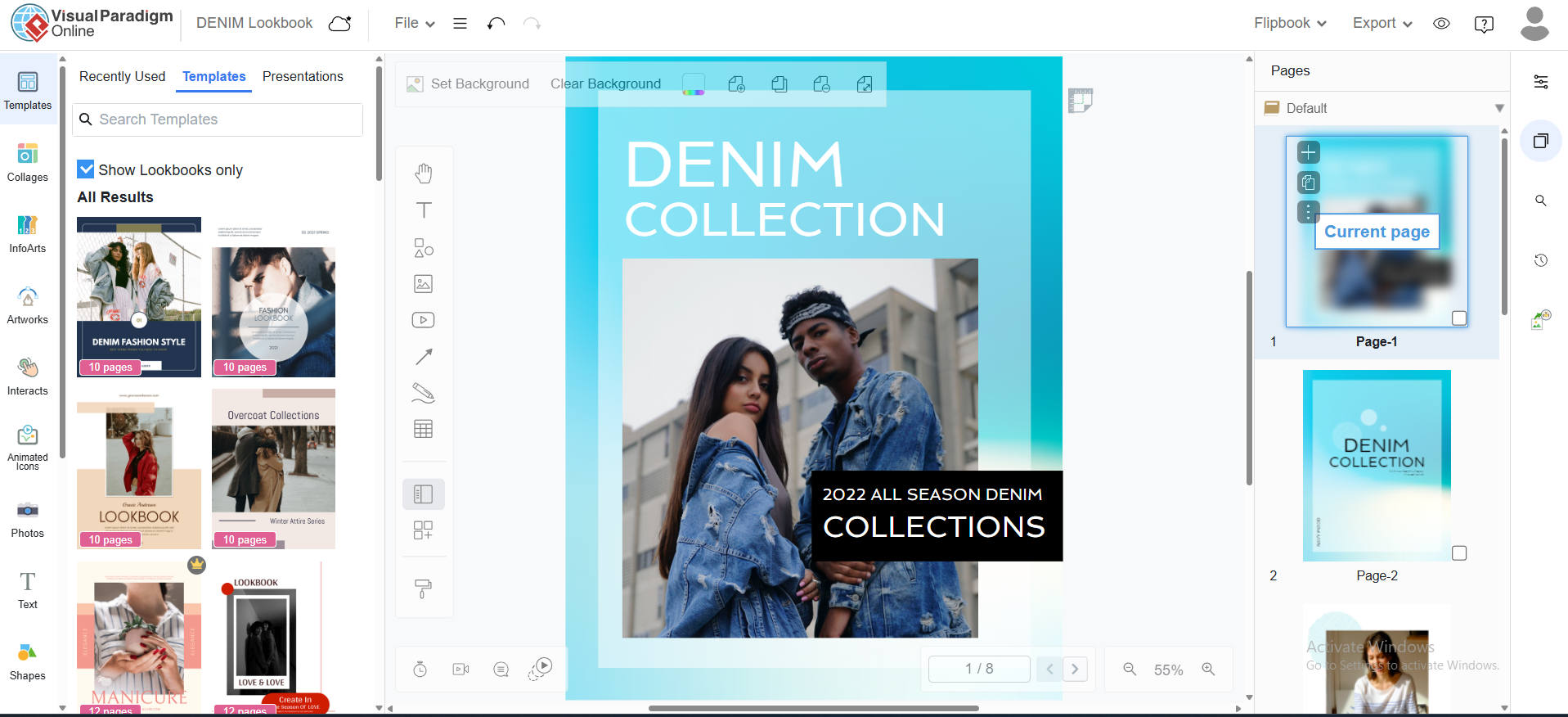
-
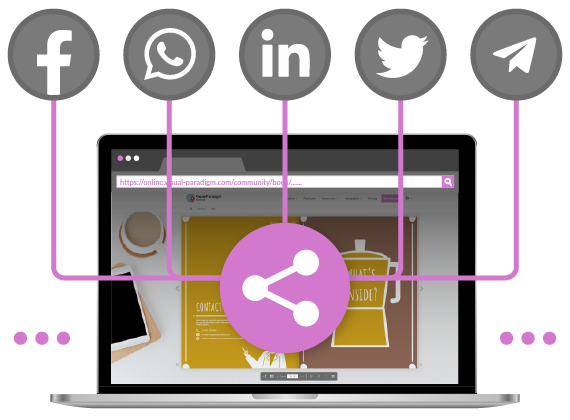
Flexible Sharing Options
Users can choose between public sharing to reach millions of potential readers or private URL sharing for internal documents, family albums, or confidential business reports. Additionally, flipbooks can be exported back to PDF if a static format is required.
Implementation Workflow: From Concept to Publication
The process of creating a flipbook with Visual Paradigm is streamlined into three intuitive steps:
Step 1: Create Your Flipbook
Users can begin by selecting from a rich collection of templates or starting from scratch using the asset library. The platform supports various publication types, including:
-
Booklets: Ideal for storytelling and short narratives.
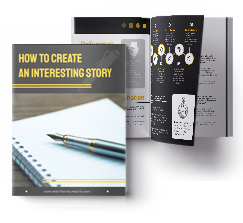
Customize Booklet Template -
Photobooks: Perfect for personal memories or portfolio showcases.
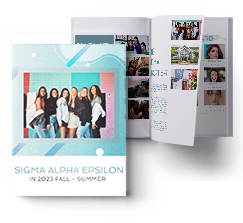
Customize Photobook Template -
Catalogs: Essential for retail and product showcases.

Customize Catalog Template -
Lookbooks: Used extensively in fashion and design industries.

Customize Lookbook Template -
Prospectuses: Useful for educational institutions and real estate.
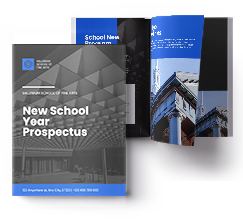
Customize Prospectus Template -
Reports: Ideal for annual corporate reviews and data presentation.
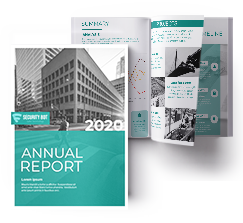
Customize Report Template -
Training Manuals & Employee Handbooks: Critical for internal communications and onboarding.
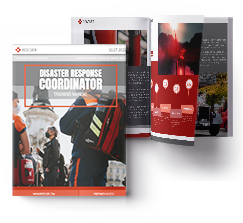
Customize Training Manual Template
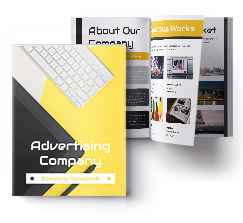
Step 2: Publish with AI Assistance
Recent enhancements include the AI Flipbook Generator, which allows users to generate a flipbook by simply entering a topic, a short description, and basic settings. This feature significantly reduces the time required for content creation, making it accessible even for non-designers.

Once created, users select their desired visibility option—public for broad marketing reach or private for targeted sharing—and publish to the online platform.
Step 3: Share and Embed
Sharing options have expanded beyond simple URLs. Users can now embed flipbooks directly into their websites, enhancing the user experience without requiring visitors to leave the site.
Benefits of Embedding Your Flipbook
-
Keeps Readers on Your Site: Visitors engage with content directly on your page, reducing bounce rates.
-
Interactive Experience: The page-turning effect feels more dynamic than scrolling through static text.
-
Showcases Key Materials: Ideal for brochures, portfolios, and tutorials that benefit from a magazine-like feel.
-
Strengthens Brand Presentation: A polished, embedded flipbook enhances the professional appearance of your website.
How to Embed Your Flipbook
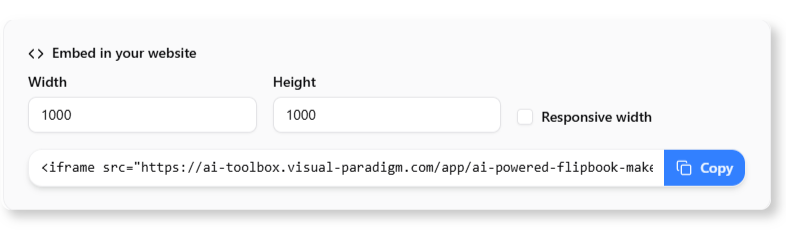
-
After generating your flipbook, navigate to the Share options.
-
Locate the Embed in your website section and set the desired dimensions for the reader.
-
Copy the provided HTML embed code.
-
Paste the code into your website platform (e.g., WordPress HTML block) to seamlessly integrate the flipbook.
Community Impact and User Success
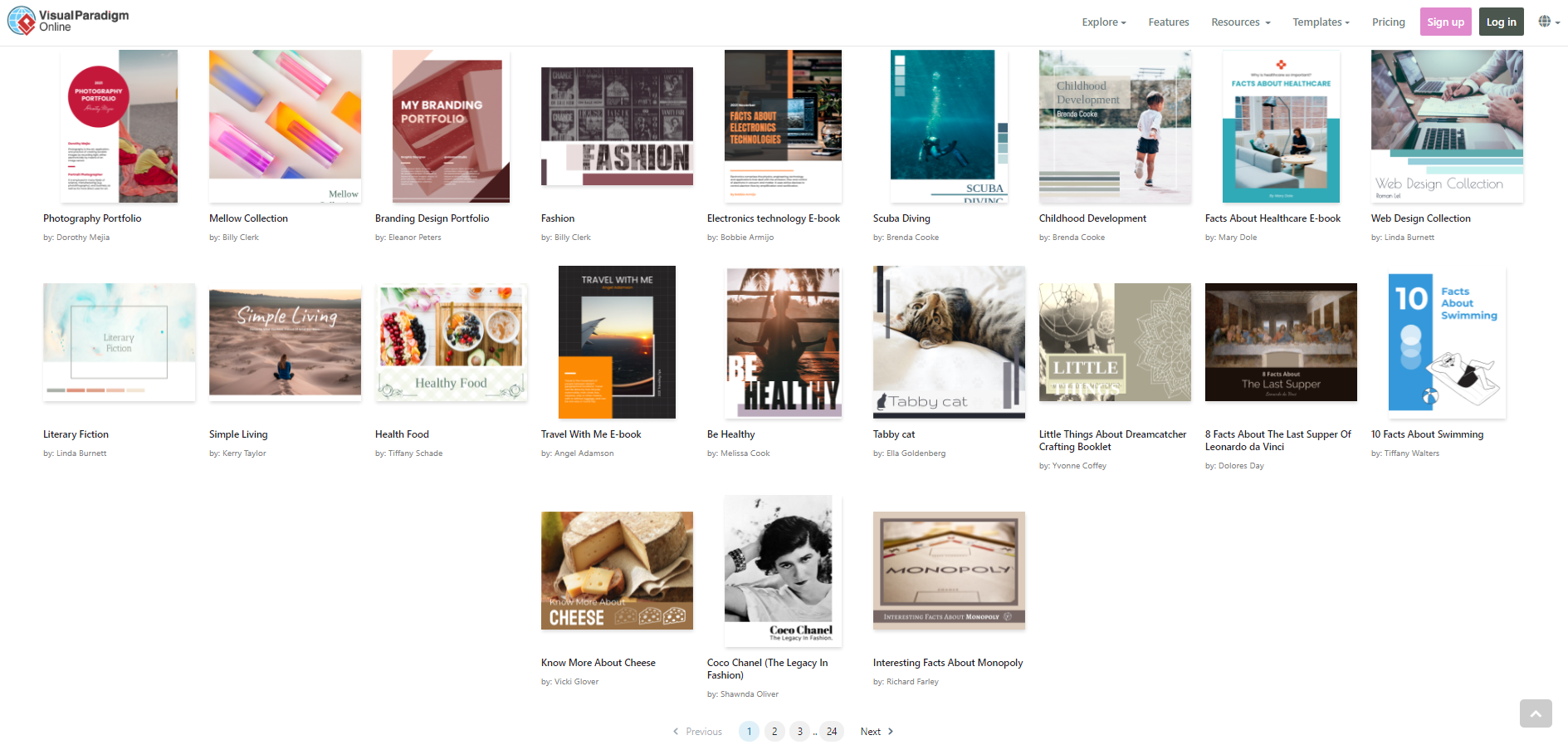
Visual Paradigm’s community showcases a wide array of successful flipbooks, demonstrating the tool’s versatility across industries. From educational materials to corporate reports, users leverage the platform to create visually compelling narratives that resonate with their audiences.
Conclusion
The transition from static PDFs to interactive 3D flipbooks represents a significant leap forward in digital communication. Visual Paradigm’s Flipbook Tool not only simplifies this transition with one-click conversion and AI-assisted generation but also enhances the end-user experience through responsive design and seamless embedding capabilities.
For businesses and individuals alike, adopting this technology means higher engagement, better brand presentation, and more effective content distribution. As digital consumption continues to evolve, tools that prioritize interactivity and ease of use will remain essential for anyone looking to make an impact in the crowded digital landscape. By leveraging Visual Paradigm’s comprehensive features, users can transform ordinary documents into extraordinary reading experiences.
Reference
- Comprehensive Guide to Creating Animated Content for Flipbooks with Visual Paradigm Online’s Flipbook Maker: A detailed tutorial explaining how to integrate animated content into flipbooks using Visual Paradigm Online, enhancing user engagement through dynamic visual elements.
- The Complete Tutorial to Visual Paradigm Flipbook Maker: An end-to-end guide covering the features and functionalities of the Visual Paradigm Flipbook Maker, providing step-by-step instructions for creating professional digital publications.
- Visual Paradigm’s Flipbook Maker: A Game-Changer for Interactive Content: An article discussing how Visual Paradigm’s tool transforms static documents into interactive experiences, highlighting key benefits for marketers and educators.
- Reference List for Learning Fliplify of Visual Paradigm Online: A curated collection of resources and guides designed to help users master the Fliplify features within Visual Paradigm Online for efficient flipbook creation.
- Fliplify Chinese Version Homepage: The Chinese language portal for Fliplify, offering localized resources and tools for creating interactive flipbooks using Visual Paradigm technology.
- AI Flipbook Maker Features: An overview of the AI-driven capabilities within Visual Paradigm’s flipbook maker, showcasing how artificial intelligence streamlines the design and publication process.
- Community Book Example: : A sample flipbook hosted in the Visual Paradigm Online community, demonstrating real-world application and layout possibilities for users.
- Comprehensive Guide to Fliplify: Creating Interactive Flipbooks with Visual Paradigm: A thorough resource detailing the process of building interactive flipbooks, focusing on usability and advanced customization options within the Fliplify ecosystem.
- Visual Paradigm Online Flipbook Maker Tool: The main landing page for the online flipbook creation tool, providing access to templates, editing features, and publishing options for digital documents.
- Create New Flipbook Interface: The direct interface for starting a new flipbook project in Visual Paradigm Online, allowing users to upload documents and begin customization immediately.
- AI Flipbook Generator Launch Announcement: An official release note announcing the launch of the AI Flipbook Generator, detailing new features, improvements, and the impact on workflow efficiency.
- Flipping Book Animation Software: An exploration of animation capabilities within flipping book software, offering insights into how motion graphics can enhance reader retention and interaction.
- Visual Paradigm Flipbook Maker: Elevate Your Digital Presence with Dynamic and Engaging Flipbooks: A strategic guide on leveraging flipbooks to improve digital marketing efforts, focusing on engagement metrics and brand visibility.
- Community Book Example: Econormula: A specific example of an educational or economic-themed flipbook created in the Visual Paradigm community, illustrating content organization and design styles.
- Unleash the Power of AI: Create Stunning Flipbooks Instantly: A promotional and instructional article highlighting the speed and quality of AI-assisted flipbook creation, encouraging users to adopt automated design tools.
- Flipbook Maker Quick Start Guide: A beginner-friendly guide hosted in the community section, providing rapid onboarding steps for new users to create their first flipbook quickly.


Comments (0)